Q-DASH Communication & Distribution Center
Turn a WhatsApp campaign into a clear path from message to inquiry
We plan content, audience and relevant group or business distribution, then organize responses and follow-up without unsupported reach or sales promises.
Qatar firstGCC-ready architectureTwo clear tracksGroups + business communicationTruthful dataNo fabricated results
Hello, is the offer available today?08:31
Yes. Here are the details and a direct inquiry option.08:31 ✓✓
Intelligent package system
WhatsApp Business Packages
Tracks for campaigns, conversations, automation and integration.
What best matches your need?
01API
01
WhatsApp Campaign
A structured campaign brief with message, media and response path.
Based on audience and scope
01Goal and audience definition
02Message preparation
03Media and links
LIVEExecution report
Explore all capabilities
Goal and audience definitionMessage preparationMedia and linksExecution report
Recommended forOffer or launch
02API
02
Most popularMost practical
Conversation Workflow
Organise inquiries, routing, responses and follow-up.
Based on workflows
01Conversation map
02Response templates
03Team routing
LIVEStatus measurement
Explore all capabilities
Conversation mapResponse templatesTeam routingStatus measurement
Recommended forSales or support team
03API
03
WhatsApp API
Integrate WhatsApp with systems, agents and automation.
Integration scope
01Use-case analysis
02API setup
03System connection
LIVETesting and activation
Explore all capabilities
Use-case analysisAPI setupSystem connectionTesting and activation
Recommended forAutomation and enterprise communication
Selection passes the package to the existing service form or configured contact path. Final price and scope are confirmed after requirements review.
See the campaign as a communication operation—not a single message
These are illustrative monitoring widgets, not live campaign results.
Illustrative campaign activeDEMO / Illustrative data
Illustrative execution sequence
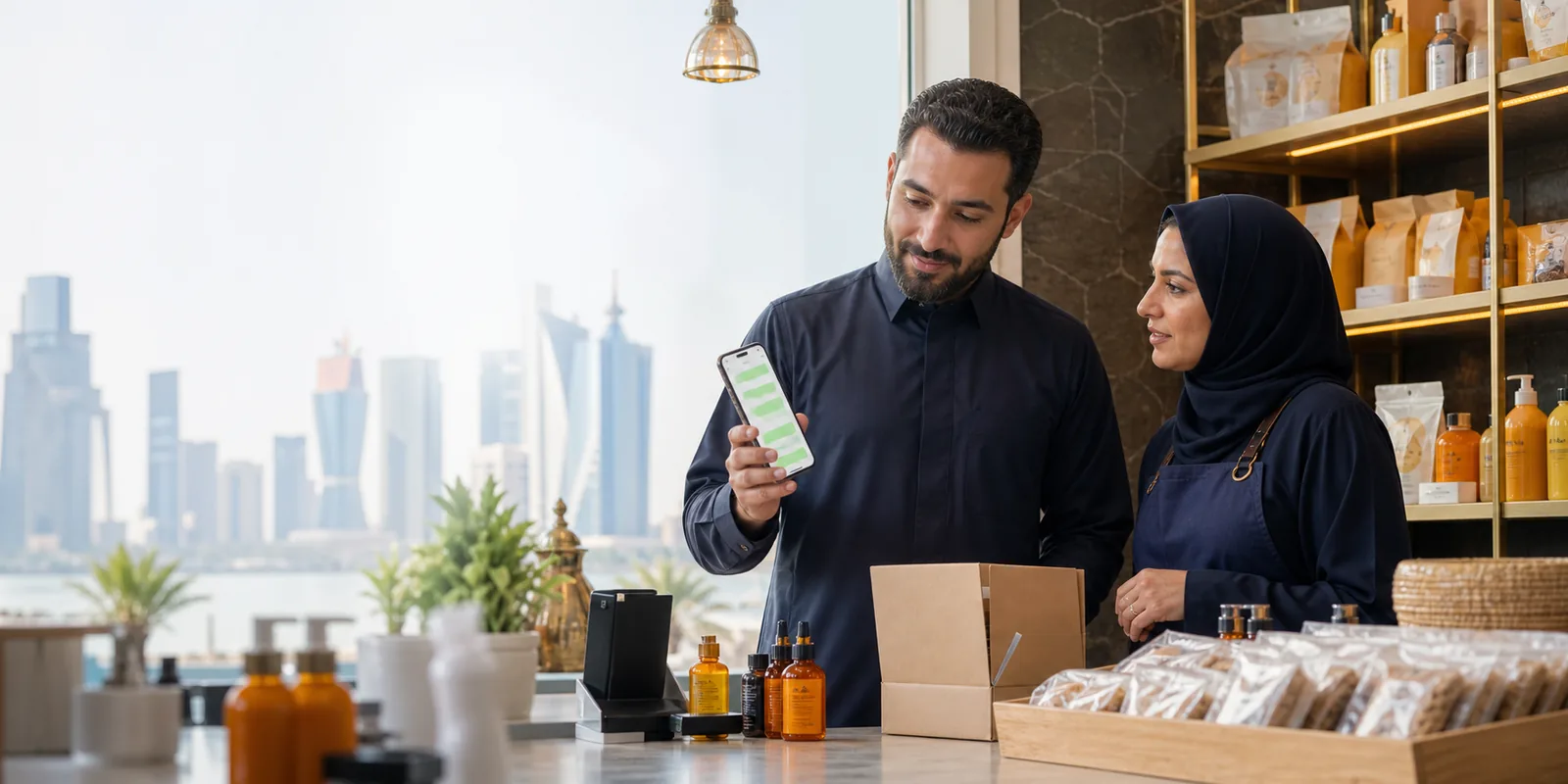
Why WhatsApp Marketing?Direct questionMessage to conversation Relevant audienceLess random distribution Structured follow-upOwner and next step Readable signalsActual responses and questions
The benefit is a shorter path from offer to question to follow-up
When the message is relevant, a customer can understand the offer and start a conversation in a familiar channel; the team can then organize response and follow-up. This does not guarantee sales or reach.
A clear sample of relevant WhatsApp groups marketing
The list below represents illustrative distribution categories—not owned group names or membership counts. Actual channels are confirmed after business and audience review.
Campaign content
Audience category
QATARGeneral Qatar audience
Response
Qualified inquiry
QATAR
Market first, then segment, then the most relevant distribution channel
Qatar is the primary market while the architecture can later be configured for GCC markets without structural changes. We do not display unverified audience or group counts.
- MarketLanguage and local context
- SegmentAudience relevance to the offer
- ChannelGroups or business communication
- ResponseInquiry and follow-up
Build the campaign before publishing it
Seven connected decisions turn a business idea into a clear message, channel and follow-up.

Start with an observable goal
Offer, product launch, event, website visit or WhatsApp inquiry.
Test the message structure and preview it on the phone
A clear limited-time offer
See the core value, then choose the action that suits you.
Each format solves a different campaign need
Short message
Clear headline, value and action
Image campaign
Visual scene with concise copy
Short video
Motion that explains quickly
Product
Image, benefits and inquiry
Offer
Value, timing and one action
Link
Trusted destination and click reason
Call to action
Call, order or book
Inquiry
Start a business conversation
From business to follow-up in one connected flow
A useful campaign opens a conversation that can be followed up
Play the illustrative sequence to see a visitor move from campaign view to question and clear action.
CAMPAIGNDiscover the service and choose direct inquiry.
I need details relevant to my business.
We can define the audience, format and distribution plan.
Consultation requested
Shorten the distance between an ad and a conversation
Educational integration view; it does not modify existing ad integrations.
Meta AdsGoogleWebsiteSocial
WhatsAppConversation
Inquiry
Separate human management from what automation may support
MANUAL MANAGEMENT
Content, group selection, replies and negotiation
- Review audience relevance
- Tailor replies to each question
- Handle complex decisions
SCOPE-BASED
AUTOMATION / API WHEN SUPPORTED
Welcome, quick replies, routing and business hours
- Approved templates where applicable
- Route inquiries to teams
- Project-dependent integration
Choose the communication architecture that fits the operation
Smaller, direct business communication
- Simpler daily management
- Individual replies and inquiries
- Depends on app-supported mechanics
Structured workflows, agents and integrations
- Templates, policies and provider approval
- Scope-based automation and routing
- Not automatically free or unlimited
Two related tracks with different jobs
WhatsApp groupsDirect business communication
Goal
Relevant community visibility
Individual inquiry and follow-up
Use
Offers, products and events
Support, booking and order
Measurement
Depends on execution method
Trackable conversations and inquiries
Outcome
No guaranteed sales
No guaranteed conversion
Ten decisions move the campaign from brief to improvement
Receive brief
Understand business and goal
Define goal
Awareness, offer or inquiry
Select audience
Most relevant segment
Prepare content
Right message and media
Distribution plan
Groups or direct communication
Publish
Controlled campaign cadence
Responses
Collect questions and interactions
Follow-up
Move inquiry to a next step
Measure
Read what can be measured
Improve
Refine message and plan
Read execution and response without inventing results
This demonstrates report structure only. Actual indicators depend on campaign method and channel measurement availability.
ExecutionMeasurable interactionHuman follow-up
DistributionMeasurable interactionConversationQualified inquiry
Every stage has a different meaning and improvement decision
Distributed
Meaning: Plan execution
Improve: Review channels and timing
Measurable reach
Meaning: Where method permits
Improve: Improve relevance
Interaction
Meaning: Available click or reply
Improve: Strengthen the offer
Conversation
Meaning: Potential customer question
Improve: Improve response speed
Qualified inquiry
Meaning: Clear need
Improve: Route to the right team
Customer
Meaning: External business decision
Improve: No guaranteed outcome
Plan campaign structure without a fake reach calculator
Every publish cycle has a job—not a repeated message
Awareness
Introduce problem and value
Offer
Give a clear response reason
Reminder
Shorten copy and change angle
Follow-up
Follow up with interested people
This is a planning example; actual cadence depends on audience, channel and content.
Build a message worth reading—not one that feels like spam
Strong openingClear offerRelevant mediaShort messageSpecific CTARight audienceAppropriate cadenceFollow-up
Responsible distribution protects the audience relationship
The service does not bypass WhatsApp or Meta restrictions, and group mechanics are not presented as API mechanics.
Relevant messagingClear business identityFrequency controlCommunication preferencesApproved templates when API appliesNo promises or bypasses
Automation structures the start; people handle the human decision
Predefined workflows
- Initial routing
- Predefined replies
- Structured in-scope workflows
Understand questions and decisions
- Questions and negotiation
- Complex inquiries
- Customer decisions and follow-up
Automation appears only when supported within the agreed WhatsApp Business Platform scope.
Route the conversation to the right role when the scope supports it
Customer
WhatsApp
Supported routingScope-based
SalesSupportOrdersAdmin
Presentation only; this does not create a new agent system. Activation depends on platform, integration and project scope.
DEMO PRODUCT
Product or service name
A concise description of value without exaggeration.
Clear offer with stated termsMake the product understandable before the conversation starts
We compose image, name, description, offer and action into a message that is easy to scan.
- Relevant image or video
- One clear value
- Visible offer terms
- Action that starts an inquiry
The use case follows the customer decision—not just the industry name
See four distinct cases together, then explore eight activities to understand the message and action behind each decision.
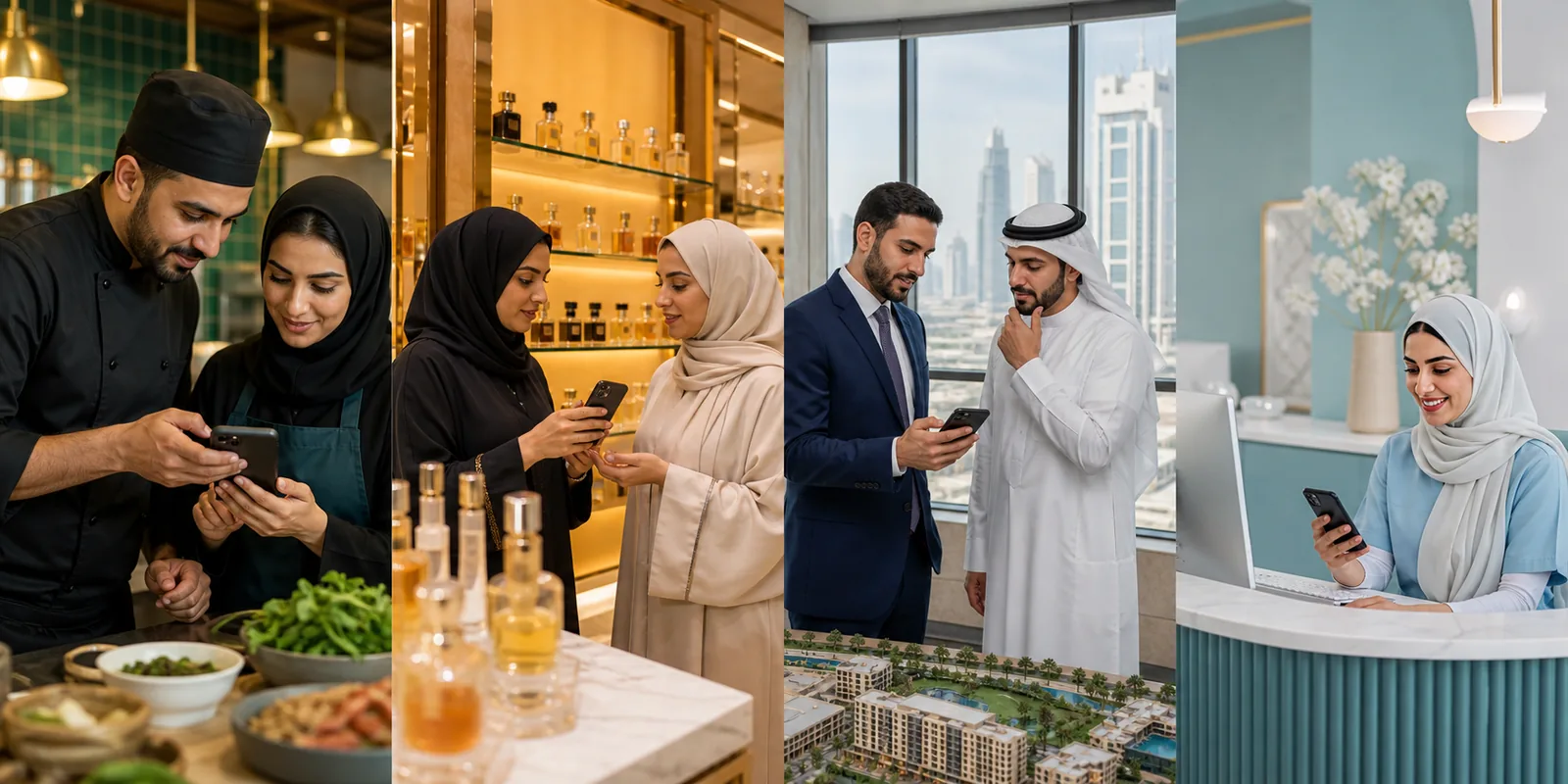
USE CASE
Restaurants
Daily offer or direct booking
MessageDecision-related valueChannelAudience-dependentActionClear inquiry
Campaign structure examples—not client results
DEMO 01
Local store offer
Offer image + short copy + product link
DEMO 02
New service launch
Short video + value points + inquiry CTA
DEMO 03
Event reminder
Date + location + registration action
Understand the channel before choosing execution
No. The plan defines execution and distribution; results depend on offer, audience and timing and are not guaranteed.
Groups support relevant community visibility; direct communication is suited to inquiries and individual follow-up.
That depends on project scope, provider approval, policies and required templates. API is not enabled automatically.
Yes, within the content plan, technical limits and relevant policies. Format is selected around the campaign goal.
Send a structured WhatsApp campaign brief
The request is stored in the existing Q-DASH inbox, then you can continue the same brief on WhatsApp. Submission does not confirm price, reach or results.
Existing message inboxNo bulk sending from the formQatar-first and GCC-ready
Clearer communication. More relevant distribution.
Request WhatsApp consultationStart with a WhatsApp plan the audience understands and your team can follow up
Define the goal, audience and distribution method, then review content and measurable signals before execution.